Crispforms has a new home: the app now lives at form.crispforms.com Open the new app
A modern form builder with a brain

CrispForms vs Wufoo:
A Form Builder, or a Whole Back Office?

Wufoo is a long-running classic form builder. CrispForms is a modern, conversion-focused builder with a brain: single-page or conversational forms whose responses become CRM contacts, bookings, payments, and automations.

Competitor type

Classic online form builder

Quick verdict

Choose CrispForms when you want to upgrade from a classic form collector to a platform with a built-in CRM, calendar, and checkout.

The Practical Positioning

Both tools can collect responses. The difference is what happens next: a form-only tool stops at the submission, while CrispForms turns each one into a contact, a booking, a payment, or an automation.

W

Wufoo

Classic online form builder

Wufoo works for basic forms and teams with older workflows already built around it, with data exported or emailed onward.

Best when you need:

  • Existing Wufoo users with simple legacy forms that still work
  • Basic data collection where a separate CRM and scheduler already exist
  • Teams that do not need bookings, payments, or contacts built in
FORM BUILDER + PLATFORM

CrispForms

Forms plus CRM, calendar, and checkout

CrispForms is the form builder that doubles as your CRM, calendar, and checkout, built for current marketing, product, and feedback workflows that need to do something with each response.

Best when you need:

  • Modern lead capture that flows straight into a built-in CRM
  • Bookings and payments handled inside the form
  • Teams replacing a classic form tool with a whole back office

Feature-by-Feature Comparison

A practical view of how CrispForms and Wufoo compare for everyday form workflows.

Area CrispForms Wufoo Takeaway
What happens after submit Responses become CRM contacts, bookings, payments, and automations. Submissions are stored, emailed, or exported. CrispForms is a platform, not just a collector.
CRM and contacts Built-in CRM with merged profiles and a timeline. No native CRM. CrispForms keeps people and history together.
Bookings and payments Google-synced bookings plus payments via your own processor. Payment fields exist; no native scheduling. CrispForms handles appointments and checkout in the form.
Design and insights Modern, mobile-first forms with Smart Insights and a drop-off funnel. Classic interface and basic reporting. CrispForms is the better upgrade for customer-facing forms.
Best fit Teams wanting forms plus CRM, calendar, and checkout. Legacy forms and basic collection workflows. Pick based on whether you need a back office or just forms.

Why Teams Choose CrispForms

CrispForms pairs a beautiful, conversion-focused builder with the back office that runs after the submission: CRM, bookings, payments, and automations.

From collected fields to contacts

Instead of a flat submissions list, each response becomes a merged CRM contact with tasks, files, bookings, and an activity timeline.

Bookings, payments, products

Add a Google-synced booking calendar, charge through your own Stripe or PayPal, and sell products, capabilities a classic form builder simply lacks.

Modern, mobile-first experience

Conversational or single-page forms with pixel-perfect builder-to-live parity, plus Smart Insights and a drop-off funnel after launch.

Migration plan

Switching from Wufoo

Treat migration as a chance to do more than rebuild forms. Connect responses to your new CRM, bookings, payments, and automations so the data starts working the moment it lands.

  1. 1

    Export Wufoo field lists and identify any legacy fields that can be removed.

  2. 2

    Rebuild forms in CrispForms as modern single-page or conversational flows.

  3. 3

    Recreate notifications and logic, then turn on the built-in CRM, bookings, and payments.

  4. 4

    Connect integrations like Google Sheets, Slack, or webhooks, and update page embeds.

  5. 5

    Use analytics to confirm the new forms reduce drop-off and create contacts and bookings.

More Than a Form

A polished respondent experience up front, and a built-in CRM, calendar, payments, and automations behind it, all in one place.

Calendar & bookings screenshot in CrispForms

Calendar & bookings

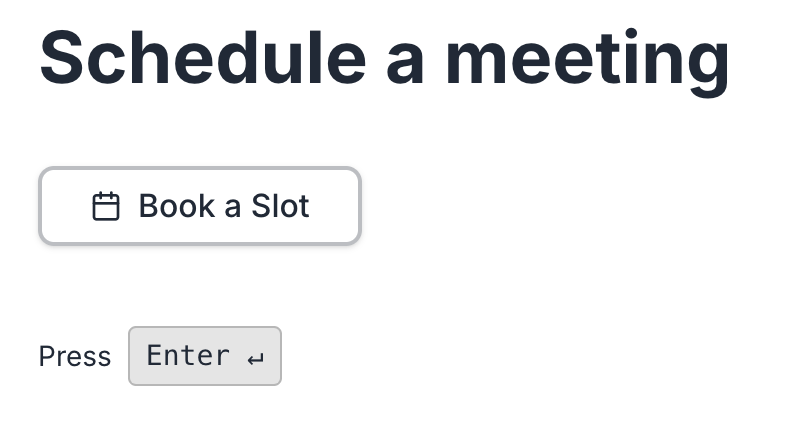
Add a booking block, sync with Google Calendar, and let respondents pick a real available time with round-robin host assignment.

Payments & checkout screenshot in CrispForms

Payments & checkout

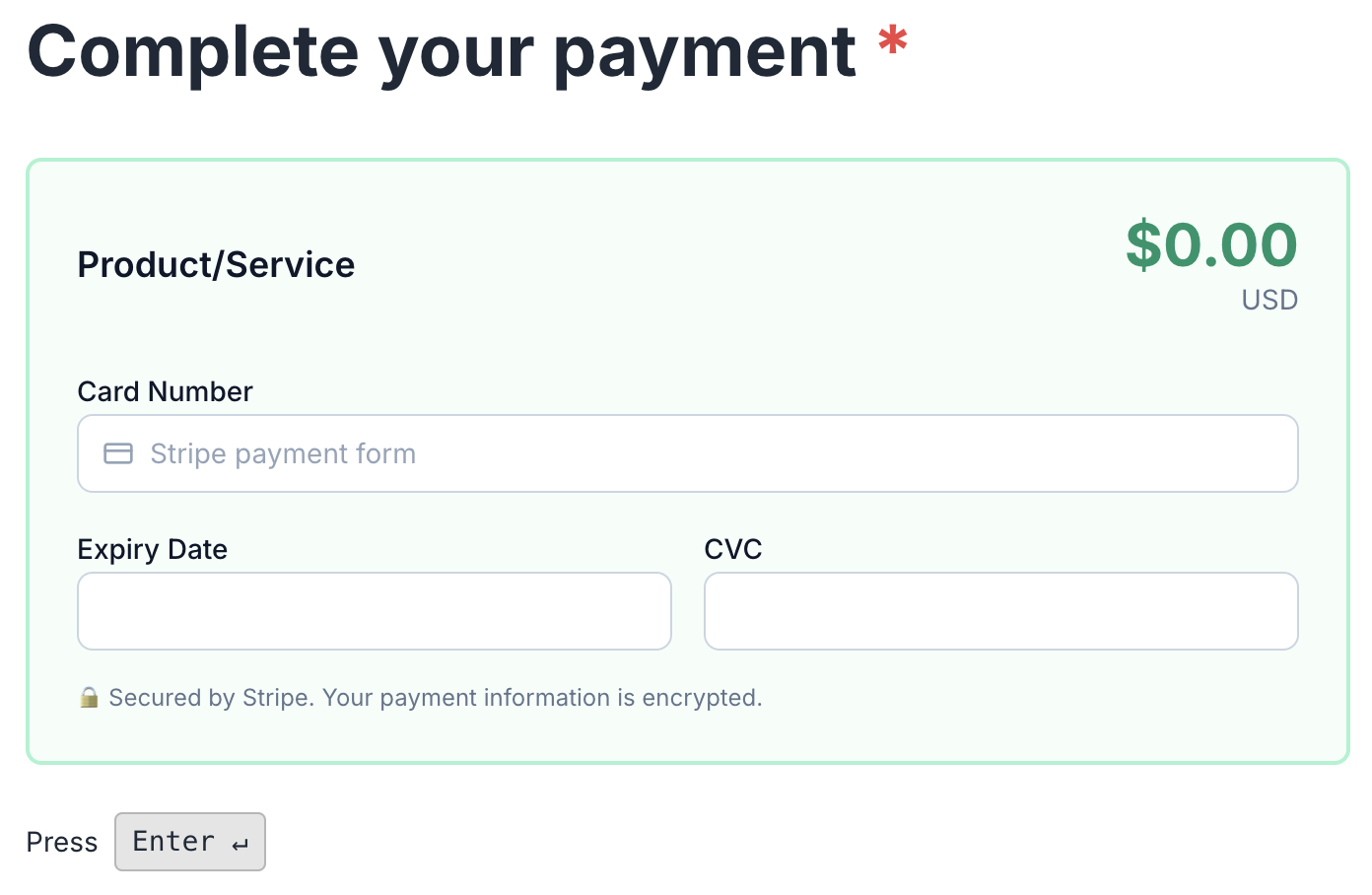
Charge through your own Stripe or PayPal, sell digital or physical products, and let every form double as a checkout.

Smart Insights & analytics screenshot in CrispForms

Smart Insights & analytics

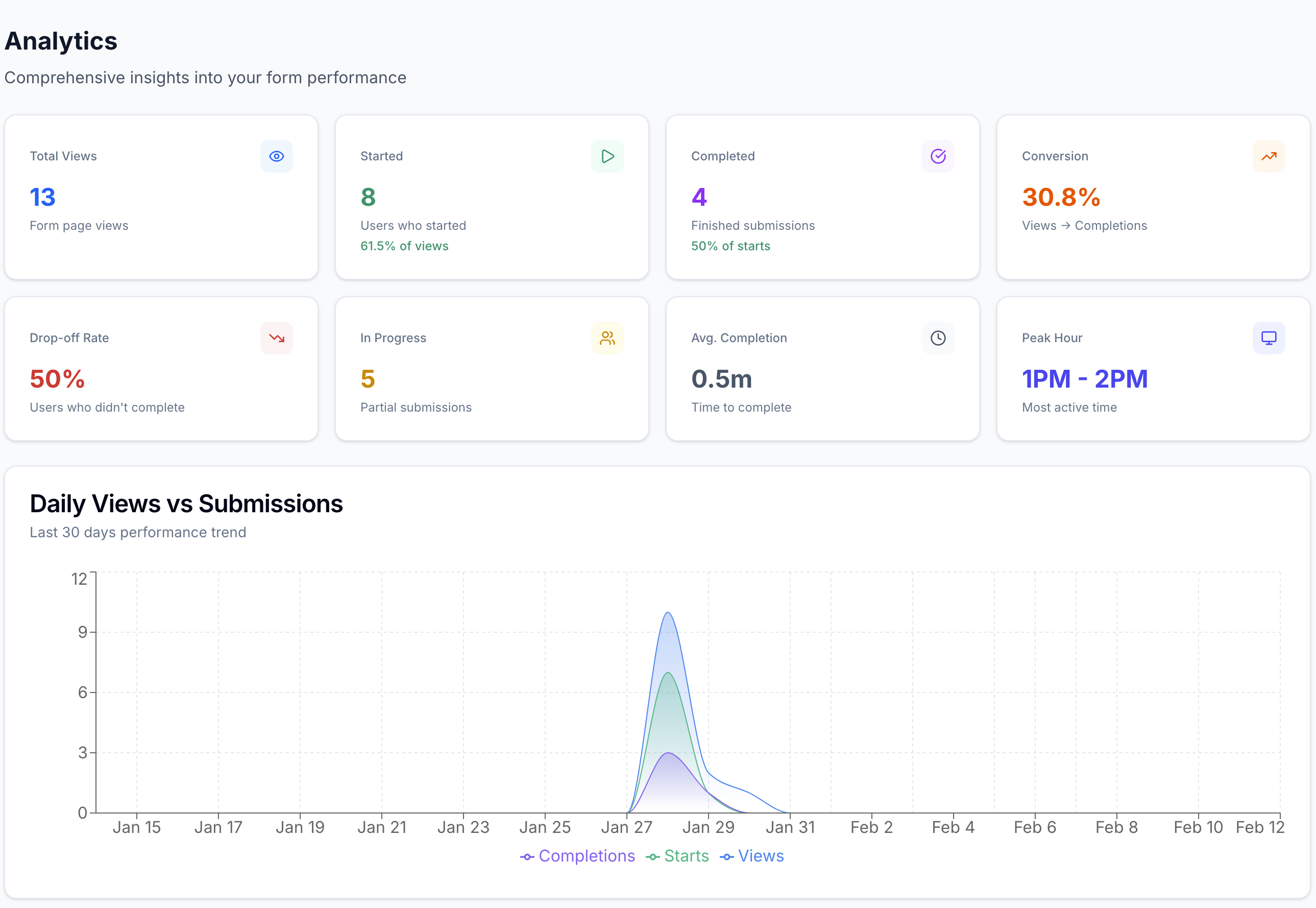
Track views, starts, completions, and the exact drop-off question, with plain-language highlights after launch.

Frequently Asked Questions

Short answers for teams evaluating CrispForms and Wufoo.

Is CrispForms a modern Wufoo alternative?

Yes. CrispForms modernizes the form experience and adds a built-in CRM, bookings, payments, and automations, so each response does more than land in a list.

Can I recreate Wufoo forms in CrispForms?

Yes. Recreate fields and logic, then connect the back office: let responses build contacts, add booking or payment blocks, and map integrations before replacing old embeds.

What does CrispForms add beyond a classic form builder?

A built-in CRM with merged contacts, a booking calendar with Google Calendar sync, payments and products through your own processor, server-side scoring, and email and webhook automation.

Ready for Forms That Run Your Back Office?

Build your first CrispForms form in minutes, then watch responses become contacts, bookings, payments, and automations, all in one place. Start on the Free plan with 50 responses a month.