Crispforms has a new home: the app now lives at form.crispforms.com Open the new app
The back office without the enterprise weight

CrispForms vs Formstack:
A Form Builder, or a Whole Back Office?

Formstack is an enterprise suite for forms, documents, signatures, and workflow automation. CrispForms gives growing teams the back office that matters most, a built-in CRM, bookings, payments, and automations, wrapped in a beautiful, fast form builder.

Competitor type

Enterprise form and workflow platform

Quick verdict

Choose CrispForms when you want a real platform, CRM, calendar, and checkout included, without the cost, governance, and rollout of an enterprise suite.

The Practical Positioning

Both tools can collect responses. The difference is what happens next: a form-only tool stops at the submission, while CrispForms turns each one into a contact, a booking, a payment, or an automation.

F

Formstack

Enterprise form and workflow platform

Formstack fits organizations that need enterprise document generation, e-signatures, compliance reviews, and multi-team governance across many back-office processes.

Best when you need:

  • Enterprise departments with document and signature workflows
  • Procurement-driven teams that need governance and complex approval paths
  • Organizations with heavy compliance and document-generation needs
FORM BUILDER + PLATFORM

CrispForms

Forms plus CRM, calendar, and checkout

CrispForms gives startups, agencies, and creators a beautiful form builder plus a built-in CRM, booking calendar, payments, and automations, ready to use without an implementation project.

Best when you need:

  • Startups, SaaS teams, agencies, and creators who want a platform without the weight
  • Lead capture, bookings, and payments that should run straight from the form
  • Teams that want a built-in CRM and automations without a long rollout

Feature-by-Feature Comparison

A practical view of how CrispForms and Formstack compare for everyday form workflows.

Area CrispForms Formstack Takeaway
Platform scope Form builder plus built-in CRM, calendar, payments, and automations. Enterprise workflow, documents, forms, and signatures. CrispForms delivers the platform pieces most teams actually use.
Time to value Self-serve setup; build and publish the same day. Often involves implementation, governance, and workflow planning. CrispForms gets a platform live without a rollout.
CRM, bookings, payments All built in: merged contacts, Google-synced bookings, own-processor payments. Capable, but spread across enterprise modules and add-ons. CrispForms includes the back office in one tool.
Respondent experience Conversational, mobile-first, with Smart Insights after launch. Strong workflows; experience depends on configuration. CrispForms keeps the respondent side modern and simple.
Best fit Teams wanting a CRM, calendar, and checkout without enterprise weight. Enterprise document, signature, and compliance-heavy operations. CrispForms is the right-sized platform for most teams.

Why Teams Choose CrispForms

CrispForms pairs a beautiful, conversion-focused builder with the back office that runs after the submission: CRM, bookings, payments, and automations.

Platform power, self-serve setup

Get a CRM, booking calendar, payments, and automations without procurement, onboarding cycles, or admin overhead. Sign up and build today.

Responses that act on themselves

Submissions become merged CRM contacts, confirmed bookings on your Google Calendar, payments to your own Stripe or PayPal, and triggered emails or webhooks.

Modern, mobile-first forms

Single-page or conversational forms with pixel-perfect builder-to-live parity, far lighter for respondents than a traditional enterprise form.

Migration plan

Switching from Formstack

Treat migration as a chance to do more than rebuild forms. Connect responses to your new CRM, bookings, payments, and automations so the data starts working the moment it lands.

  1. 1

    Identify Formstack forms that are public-facing rather than regulated document workflows.

  2. 2

    Rebuild lead capture, booking, payment, and event forms first in CrispForms.

  3. 3

    Recreate logic, scoring, and confirmations, then turn on the built-in CRM, bookings, and payments.

  4. 4

    Keep enterprise document or signature workflows in Formstack if they are still required.

  5. 5

    Update marketing embeds and measure completion plus contacts and bookings created.

More Than a Form

A polished respondent experience up front, and a built-in CRM, calendar, payments, and automations behind it, all in one place.

Calendar & bookings screenshot in CrispForms

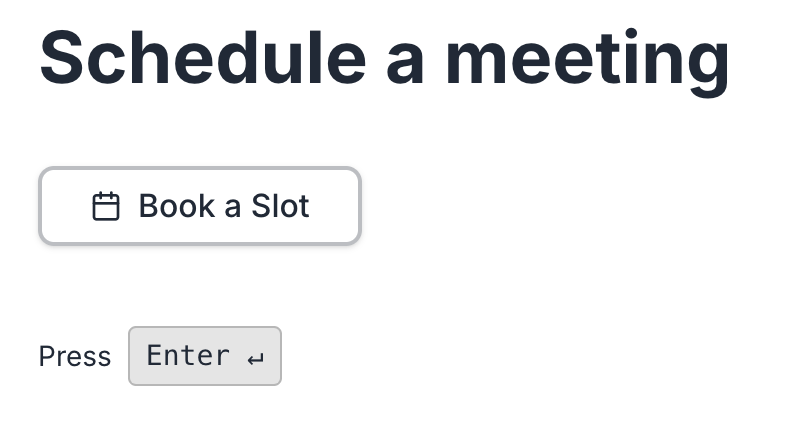
Calendar & bookings

Add a booking block, sync with Google Calendar, and let respondents pick a real available time with round-robin host assignment.

Payments & checkout screenshot in CrispForms

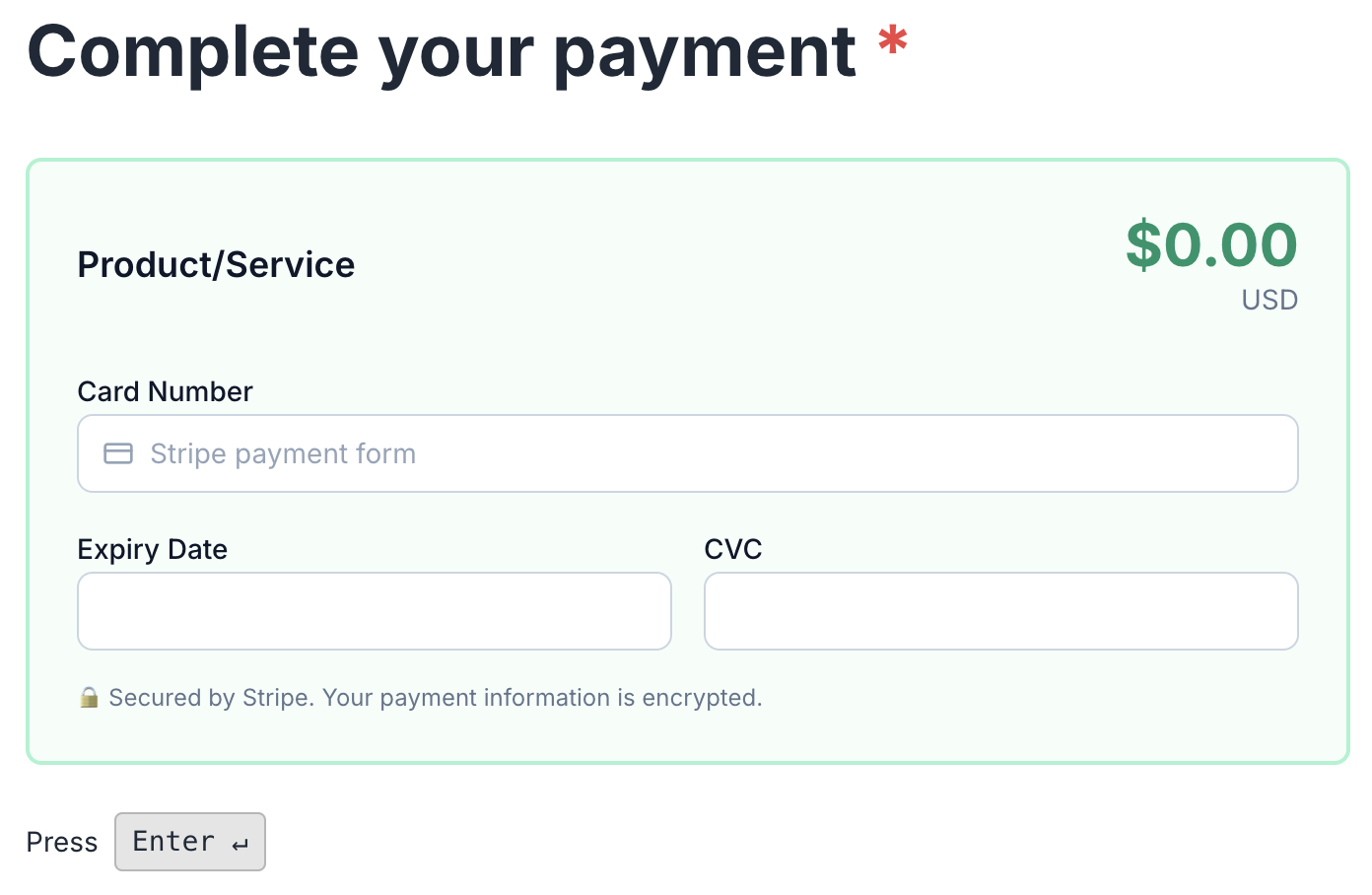
Payments & checkout

Charge through your own Stripe or PayPal, sell digital or physical products, and let every form double as a checkout.

Smart Insights & analytics screenshot in CrispForms

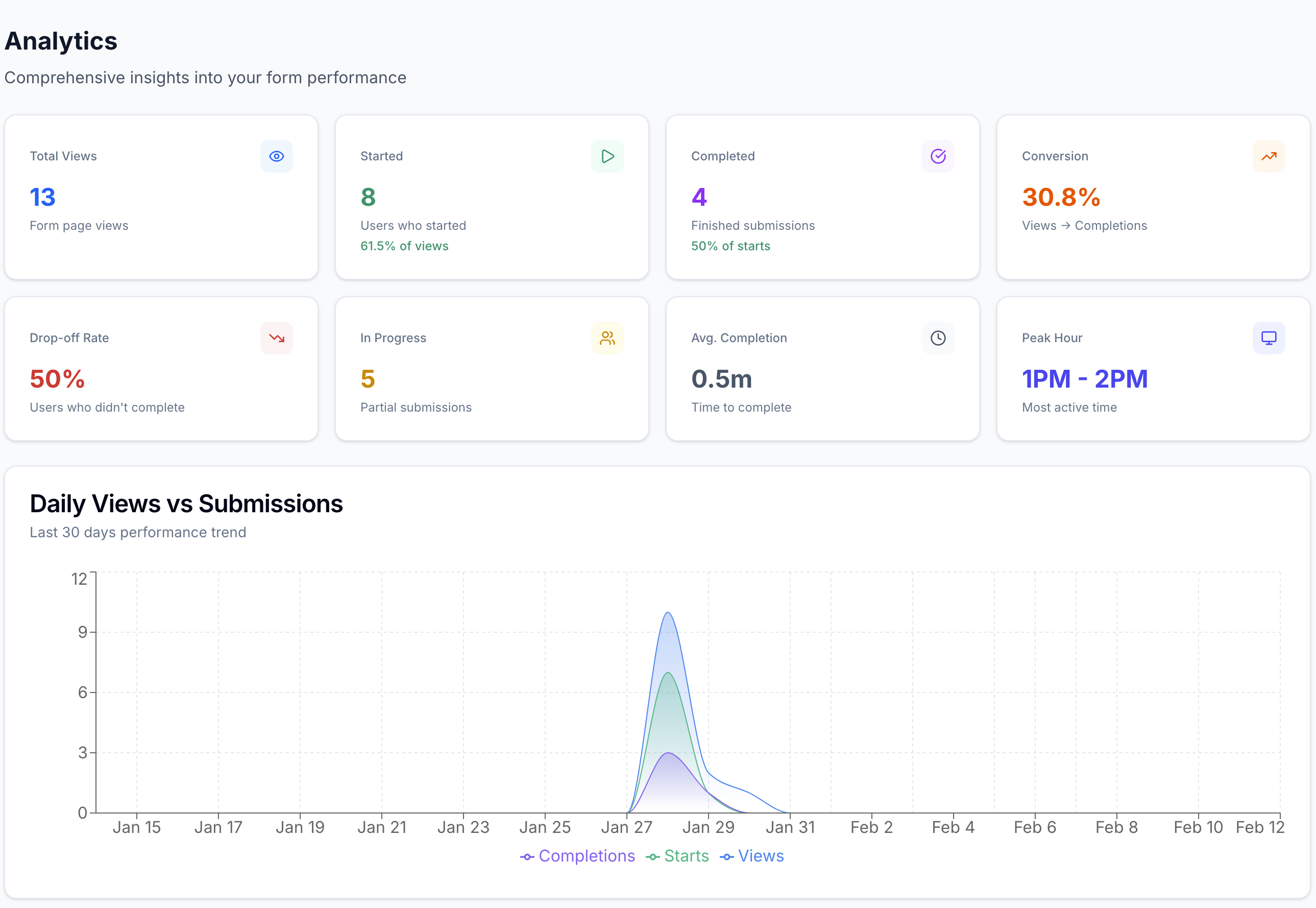
Smart Insights & analytics

Track views, starts, completions, and the exact drop-off question, with plain-language highlights after launch.

Frequently Asked Questions

Short answers for teams evaluating CrispForms and Formstack.

Is CrispForms a Formstack alternative?

Yes, for teams that want a platform without the enterprise weight. CrispForms includes a CRM, bookings, payments, and automations. Formstack may still fit organizations centered on document and signature workflows.

Who should choose CrispForms over Formstack?

Choose CrispForms if you want a built-in CRM, calendar, and checkout with a modern form builder, set up self-serve, without procurement or a long implementation.

Does CrispForms support automation?

Yes. CrispForms runs email automation, managed webhooks, and integrations with Slack, Zapier, Make, HubSpot, and more on a durable retry queue, plus built-in CRM, booking, and payment workflows.

Ready for Forms That Run Your Back Office?

Build your first CrispForms form in minutes, then watch responses become contacts, bookings, payments, and automations, all in one place. Start on the Free plan with 50 responses a month.