Crispforms has a new home: the app now lives at form.crispforms.com Open the new app
A branded form builder with a back office

CrispForms vs Microsoft Forms:
A Form Builder, or a Whole Back Office?

Microsoft Forms is handy for quick internal surveys inside Microsoft 365. CrispForms is a branded, customer-facing platform: beautiful forms whose responses become CRM contacts, bookings, payments, and automations.

Competitor type

Microsoft 365 survey tool

Quick verdict

Choose CrispForms when a form faces customers and should build a contact, book a call, or take a payment, not just collect internal answers.

The Practical Positioning

Both tools can collect responses. The difference is what happens next: a form-only tool stops at the submission, while CrispForms turns each one into a contact, a booking, a payment, or an automation.

M

Microsoft Forms

Microsoft 365 survey tool

Microsoft Forms works well for quick surveys, quizzes, and polls for internal feedback inside Microsoft 365, with results reviewed in the workspace.

Best when you need:

  • Internal Microsoft 365 surveys and quizzes
  • Quick team polls and training checks
  • Simple forms inside an existing Microsoft account
FORM BUILDER + PLATFORM

CrispForms

Forms plus CRM, calendar, and checkout

CrispForms is the form builder that doubles as your CRM, calendar, and checkout, built for branded public forms whose responses drive real workflows.

Best when you need:

  • Branded public forms that capture leads into a built-in CRM
  • Registrations, bookings, and payments that run from the form
  • Customer-facing quizzes and qualification with server-side scoring

Feature-by-Feature Comparison

A practical view of how CrispForms and Microsoft Forms compare for everyday form workflows.

Area CrispForms Microsoft Forms Takeaway
What happens after submit Responses become CRM contacts, bookings, payments, and automations. Answers are reviewed inside Microsoft 365. CrispForms drives workflows; Microsoft Forms collects answers.
Branding Custom themes, custom domains, and unbranded forms on paid plans. Basic Microsoft form appearance. CrispForms looks like part of your product.
Bookings and payments Google-synced bookings plus own-processor payments and products. No native scheduling or payments. CrispForms handles appointments and checkout in the form.
CRM and automation Built-in CRM plus email and webhook automation on submit. No native CRM; relies on the wider Microsoft stack. CrispForms keeps capture and follow-up together.
Best fit Branded public forms that build contacts, bookings, and payments. Internal Microsoft 365 surveys, polls, and quizzes. Choose based on whether the audience is internal or public.

Why Teams Choose CrispForms

CrispForms pairs a beautiful, conversion-focused builder with the back office that runs after the submission: CRM, bookings, payments, and automations.

Branded forms with a back office

Match your site with custom themes and domains, then let responses build merged CRM contacts, book calls, and take payments, well beyond an internal survey.

Bookings, payments, and products

Google-synced scheduling, payments through your own Stripe or PayPal, and a digital and physical product catalog, none of which Microsoft Forms offers.

Global and automated

Forms in 18 languages including right-to-left, plus email and webhook automation that fires the moment someone submits.

Migration plan

Switching from Microsoft Forms

Treat migration as a chance to do more than rebuild forms. Connect responses to your new CRM, bookings, payments, and automations so the data starts working the moment it lands.

  1. 1

    Select Microsoft Forms that are shared publicly or embedded on customer-facing pages.

  2. 2

    Rebuild them as branded single-page or conversational forms in CrispForms.

  3. 3

    Recreate branching and scoring with the server-side engine.

  4. 4

    Turn on the back office: contacts, bookings, payments, and email or webhook automation.

  5. 5

    Replace old links or embeds and monitor completion plus contacts and bookings created.

More Than a Form

A polished respondent experience up front, and a built-in CRM, calendar, payments, and automations behind it, all in one place.

Calendar & bookings screenshot in CrispForms

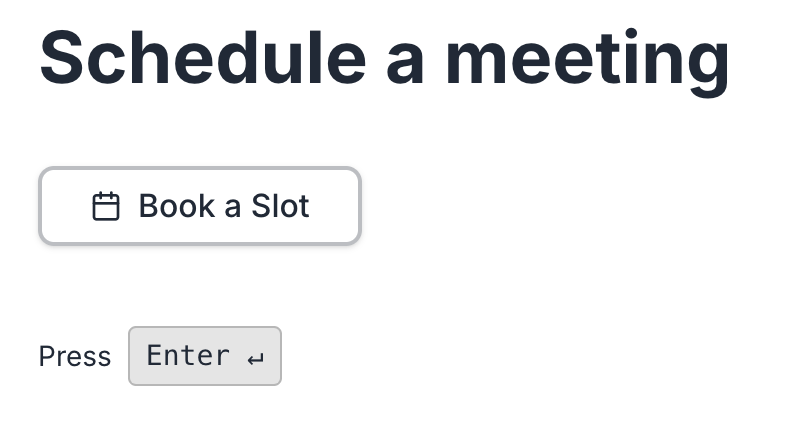
Calendar & bookings

Add a booking block, sync with Google Calendar, and let respondents pick a real available time with round-robin host assignment.

Payments & checkout screenshot in CrispForms

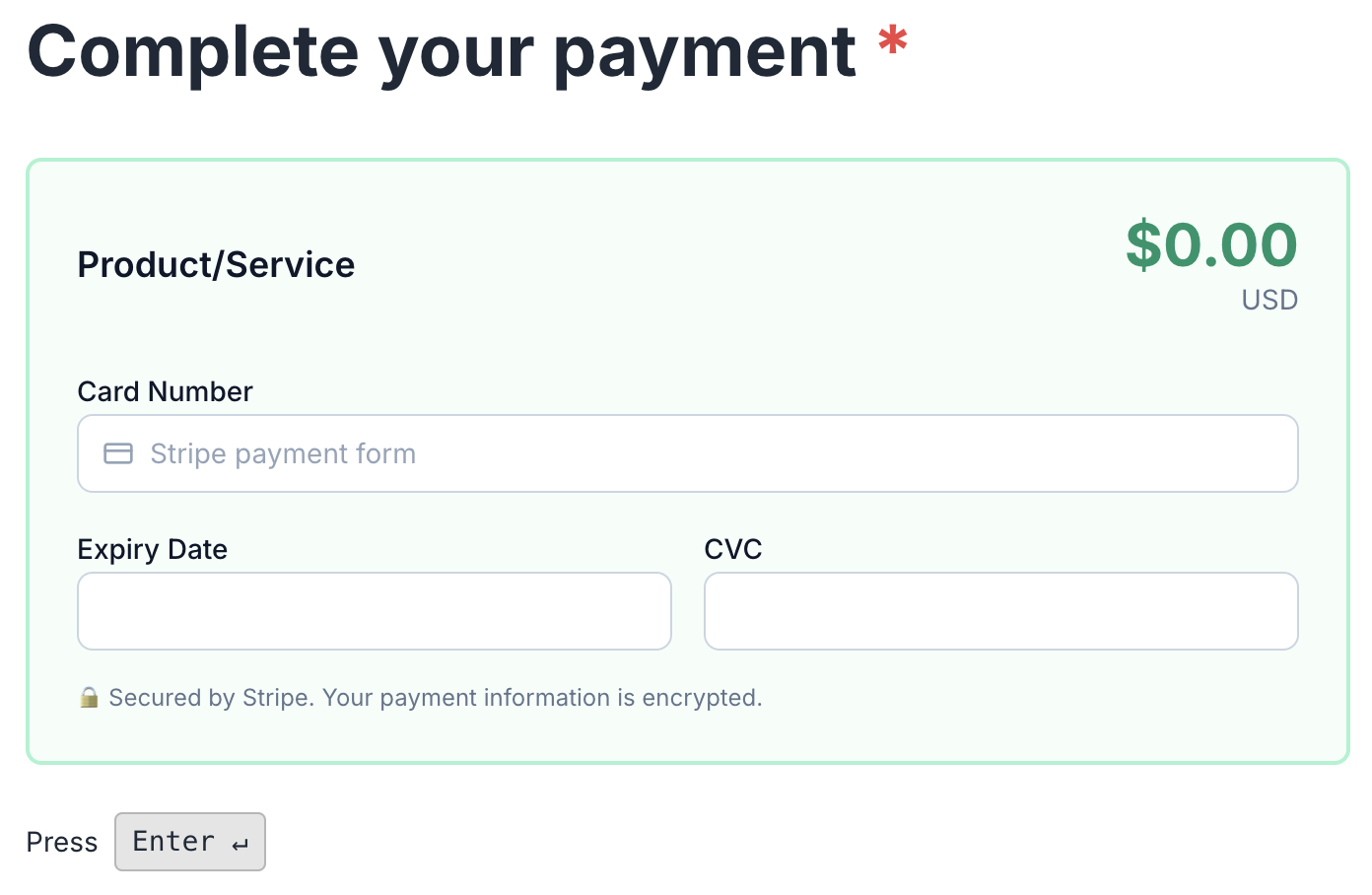
Payments & checkout

Charge through your own Stripe or PayPal, sell digital or physical products, and let every form double as a checkout.

Smart Insights & analytics screenshot in CrispForms

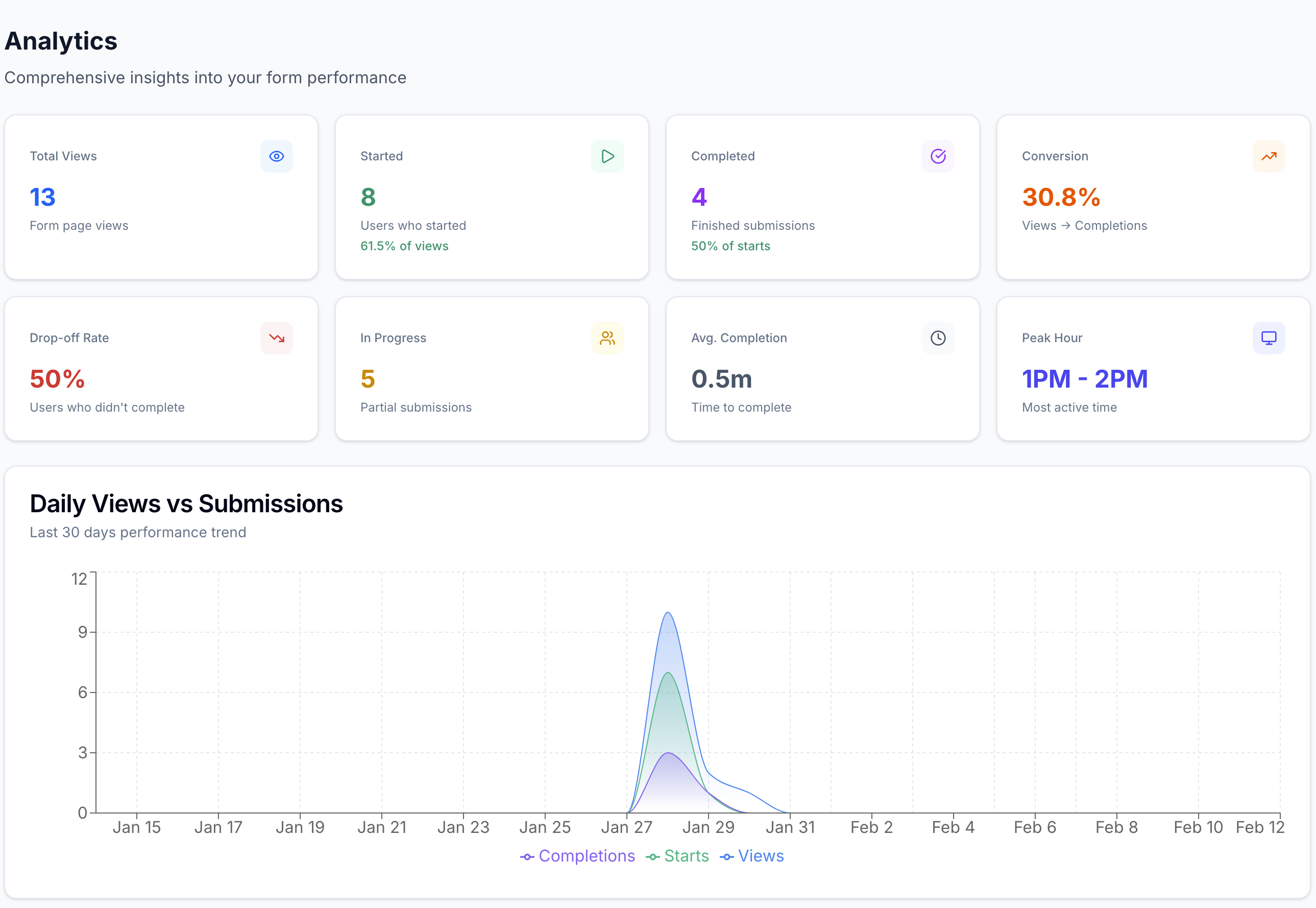
Smart Insights & analytics

Track views, starts, completions, and the exact drop-off question, with plain-language highlights after launch.

Frequently Asked Questions

Short answers for teams evaluating CrispForms and Microsoft Forms.

Is CrispForms a Microsoft Forms alternative?

Yes, for customer-facing work. CrispForms adds branding, a built-in CRM, bookings, payments, and automations, while Microsoft Forms stays best for quick internal surveys inside Microsoft 365.

When should I keep using Microsoft Forms?

Use Microsoft Forms for quick internal surveys, training quizzes, and polls that live naturally inside Microsoft 365 and do not need a CRM, bookings, or payments.

Can CrispForms replace Microsoft Forms on a website?

Yes. CrispForms is built for branded website embeds and public forms, and it turns each response into a contact, booking, payment, or automation rather than just a stored answer.

Ready for Forms That Run Your Back Office?

Build your first CrispForms form in minutes, then watch responses become contacts, bookings, payments, and automations, all in one place. Start on the Free plan with 50 responses a month.