Crispforms has a new home: the app now lives at form.crispforms.com Open the new app
Surveys that feed a real CRM

CrispForms vs SurveyMonkey:
A Form Builder, or a Whole Back Office?

SurveyMonkey is known for research surveys and reporting. CrispForms runs beautiful conversational or single-page surveys and then turns respondents into CRM contacts, follow-up emails, bookings, and automations.

Competitor type

Survey research platform

Quick verdict

Choose CrispForms when a survey should drive action, capture a contact, trigger a follow-up, book a call, not just produce a report.

The Practical Positioning

Both tools can collect responses. The difference is what happens next: a form-only tool stops at the submission, while CrispForms turns each one into a contact, a booking, a payment, or an automation.

S

SurveyMonkey

Survey research platform

SurveyMonkey is strong for formal research surveys, panels, and organizations that need a survey-first reporting platform.

Best when you need:

  • Formal survey research programs with established processes
  • Long questionnaires that need a survey-first reporting workflow
  • Organizations already standardized on SurveyMonkey for research
FORM BUILDER + PLATFORM

CrispForms

Forms plus CRM, calendar, and checkout

CrispForms is the form builder that doubles as your CRM and back office, so feedback, NPS, and quizzes connect directly to contacts, bookings, and automated follow-up.

Best when you need:

  • Feedback and NPS surveys that turn respondents into CRM contacts
  • Conversational follow-ups with server-side logic and scoring
  • Surveys that should trigger emails, bookings, or downstream automations

Feature-by-Feature Comparison

A practical view of how CrispForms and SurveyMonkey compare for everyday form workflows.

Area CrispForms SurveyMonkey Takeaway
What happens after submit Respondents become CRM contacts and can trigger emails, bookings, and automations. Responses feed survey reports and analysis. CrispForms turns feedback into action and follow-up.
CRM and contacts Built-in CRM with merged profiles and a timeline. Survey-first; no native CRM. CrispForms connects feedback to real people.
Respondent flow Guided conversational or single-page surveys with NPS and scoring. Traditional survey experience. CrispForms makes short and medium surveys feel lighter.
Analytics and insights Completion, drop-off funnel, and plain-language Smart Insights. Deep survey reporting and analysis. CrispForms ties insights to follow-up actions.
Best fit Customer feedback that feeds a CRM, bookings, and automations. Formal research surveys and survey operations. Use SurveyMonkey for research; use CrispForms for customer journeys.

Why Teams Choose CrispForms

CrispForms pairs a beautiful, conversion-focused builder with the back office that runs after the submission: CRM, bookings, payments, and automations.

Respondents become contacts

Survey responses with an email or phone create or update a merged CRM contact, so feedback connects to a real person and their history, not an anonymous row.

Act on the answer

Use server-side logic and scoring to branch follow-ups, then auto-send emails, book a call, or fire a webhook based on the score, all on submit.

Insights plus a drop-off funnel

Smart Insights surface top answers, NPS averages, and the exact question where people quit, with geo, device, and referrer breakdowns.

Migration plan

Switching from SurveyMonkey

Treat migration as a chance to do more than rebuild forms. Connect responses to your new CRM, bookings, payments, and automations so the data starts working the moment it lands.

  1. 1

    Identify SurveyMonkey surveys that are customer-facing rather than formal research studies.

  2. 2

    Rebuild dense question pages as conversational steps in CrispForms.

  3. 3

    Use server-side logic to branch follow-ups on satisfaction scores or answers.

  4. 4

    Connect the back office: let respondents become contacts and trigger emails, bookings, or webhooks.

  5. 5

    Compare completion and Smart Insights before expanding the migration.

More Than a Form

A polished respondent experience up front, and a built-in CRM, calendar, payments, and automations behind it, all in one place.

Calendar & bookings screenshot in CrispForms

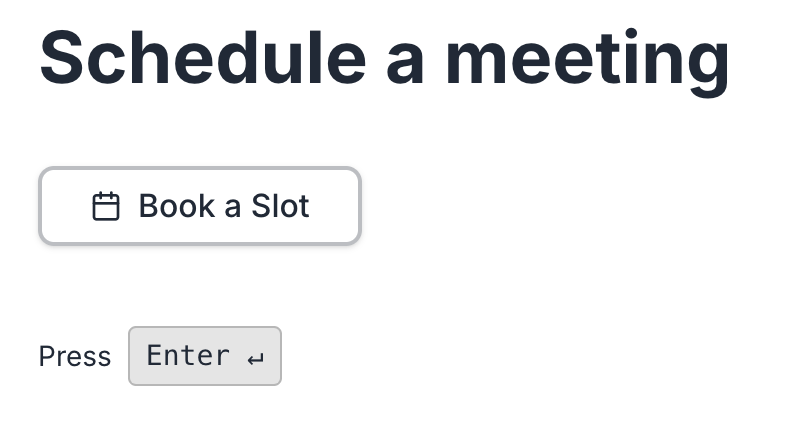
Calendar & bookings

Add a booking block, sync with Google Calendar, and let respondents pick a real available time with round-robin host assignment.

Payments & checkout screenshot in CrispForms

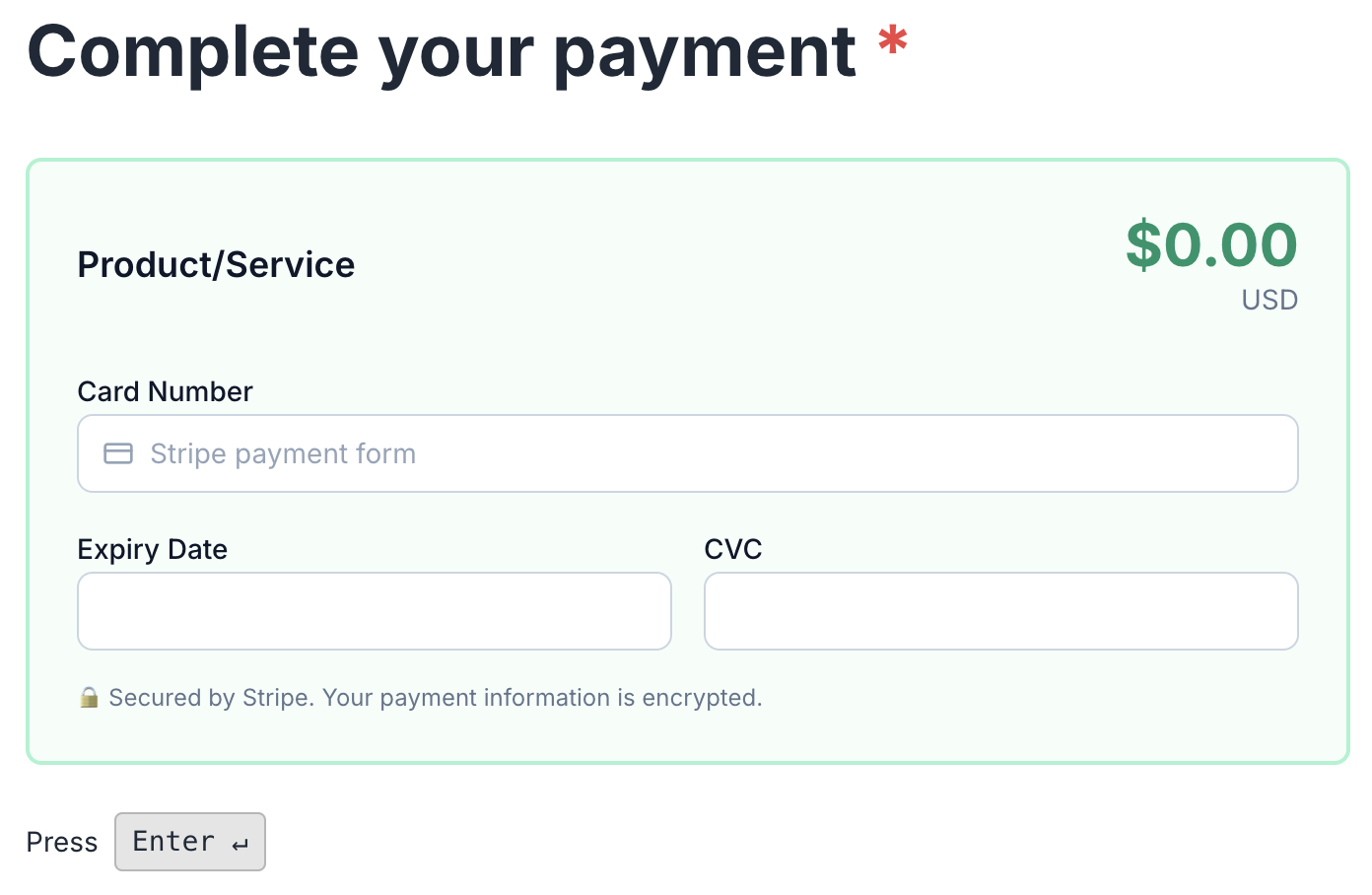
Payments & checkout

Charge through your own Stripe or PayPal, sell digital or physical products, and let every form double as a checkout.

Smart Insights & analytics screenshot in CrispForms

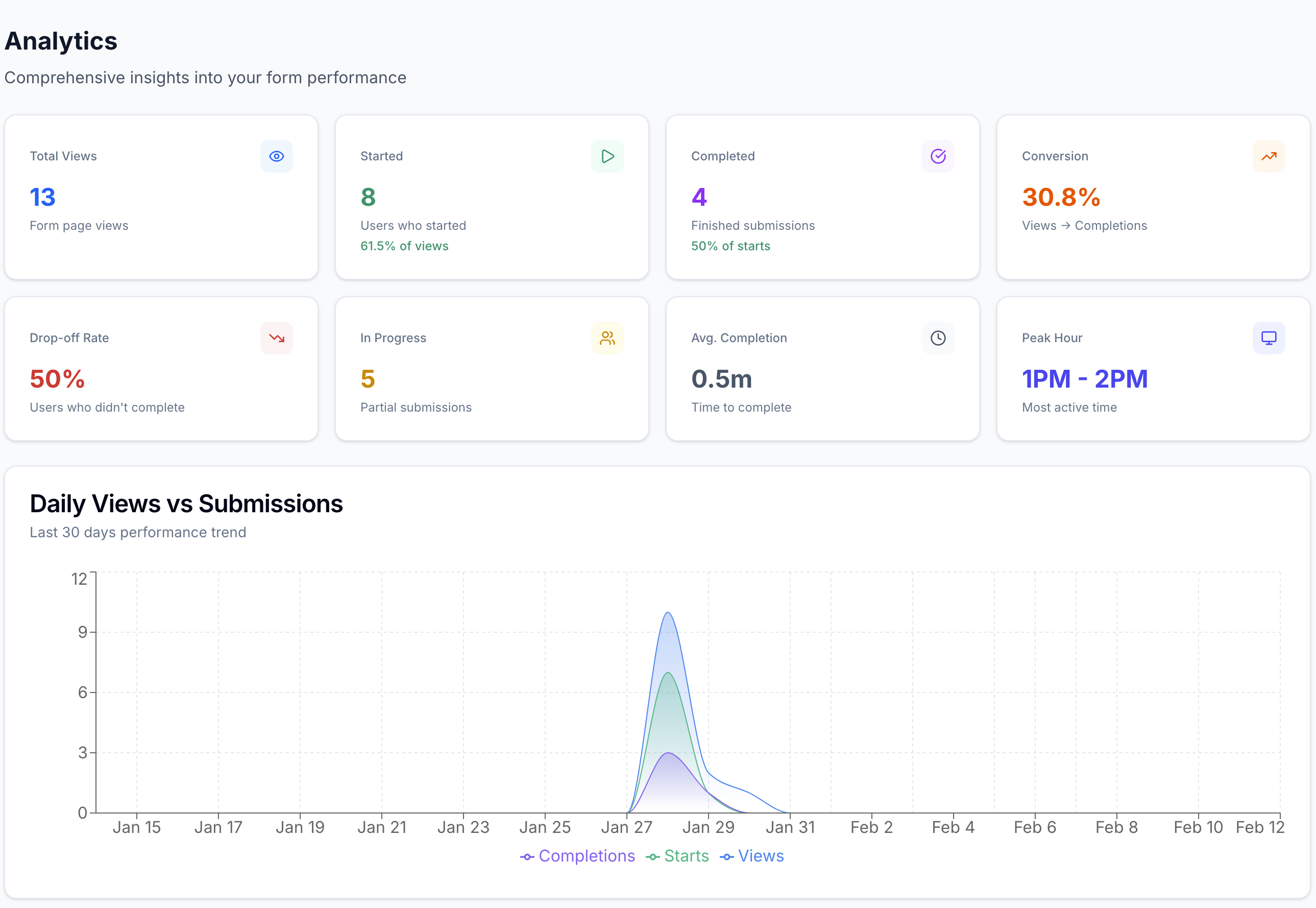
Smart Insights & analytics

Track views, starts, completions, and the exact drop-off question, with plain-language highlights after launch.

Frequently Asked Questions

Short answers for teams evaluating CrispForms and SurveyMonkey.

Is CrispForms a SurveyMonkey alternative?

Yes, for customer-facing feedback. CrispForms runs conversational surveys and NPS, then turns respondents into CRM contacts with automated follow-ups, where SurveyMonkey focuses on research and reporting.

When should I use SurveyMonkey instead?

SurveyMonkey can be better for formal research programs, long questionnaires, and survey operations that need a dedicated survey-first reporting workflow.

Can CrispForms run feedback and NPS surveys?

Yes. CrispForms includes NPS and rating blocks, branching follow-ups, Smart Insights with a drop-off funnel, and the ability to turn each respondent into a CRM contact and trigger automations.

Ready for Forms That Run Your Back Office?

Build your first CrispForms form in minutes, then watch responses become contacts, bookings, payments, and automations, all in one place. Start on the Free plan with 50 responses a month.